You can create assignment groups in Canvas to organize your assignments. Assignment groups can be weighted based on your grading scheme.
Video Walkthrough
Step-by-Step Instructions
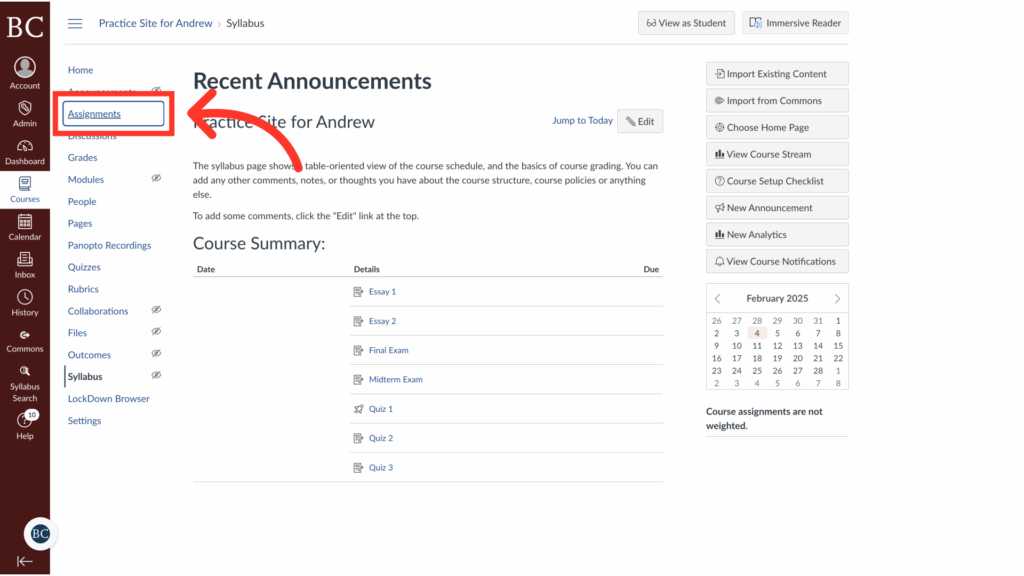
1. Open the Canvas site and select the Assignments tab
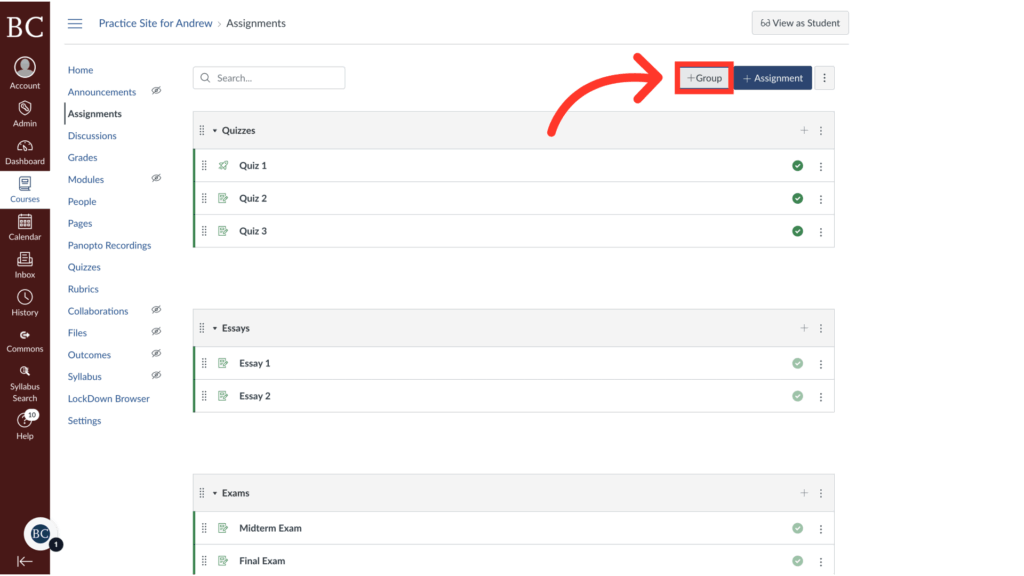
2. Click +Group
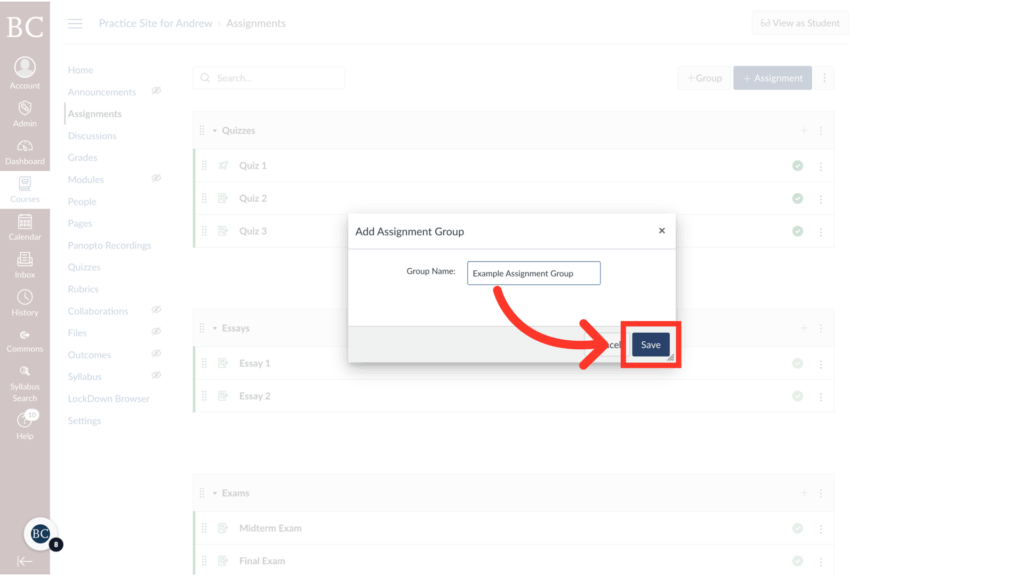
3. Title the assignment group
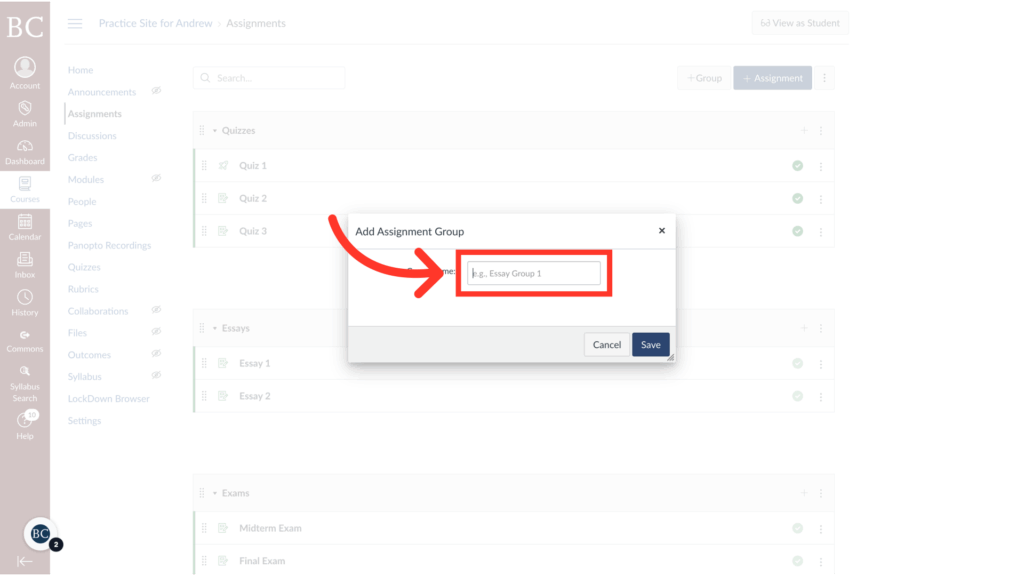
4. Click “Save”
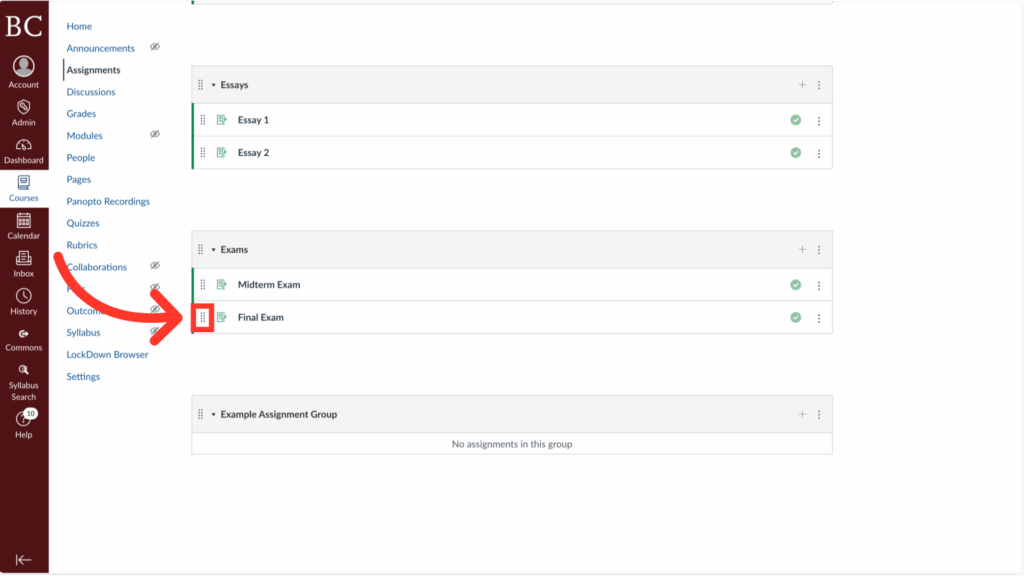
5. Rearrange assignments by dragging and dropping between groups