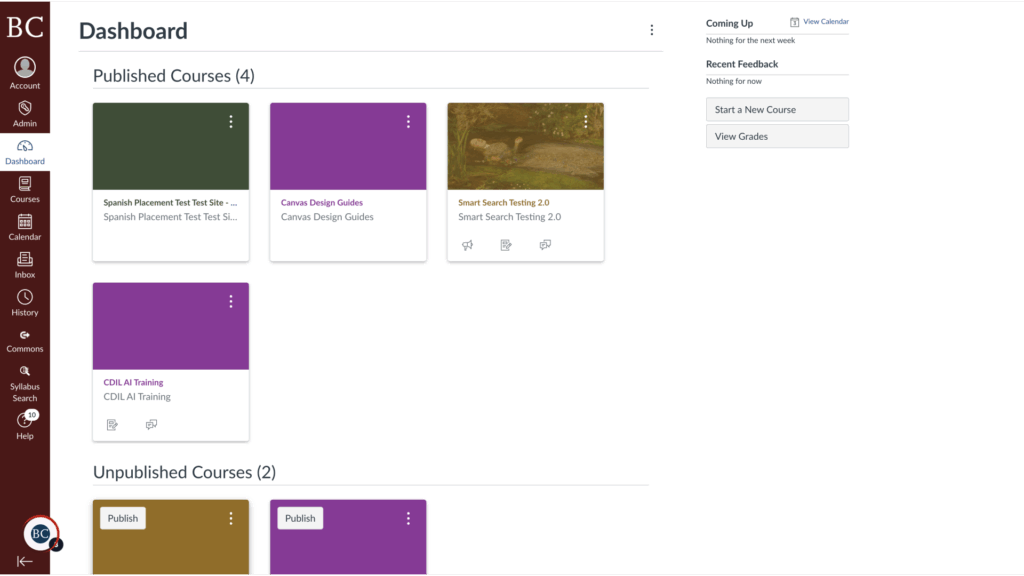
You can access your Canvas courses at Boston College through the Agora Portal.
Video Walkthrough
Step-by-Step Instructions
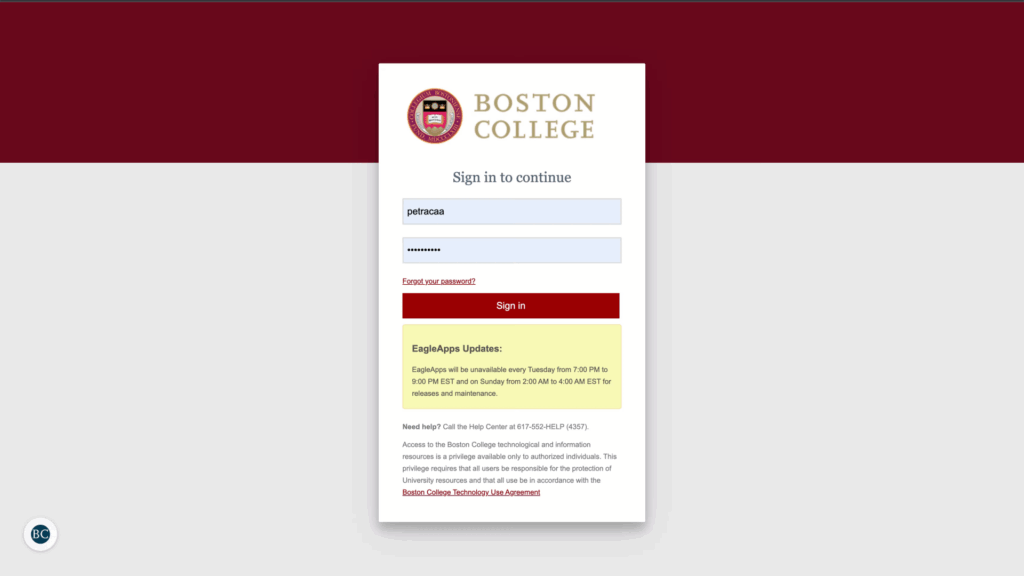
1. To begin, navigate to the Agora Portal and enter your Boston College username and password
To begin, navigate to the Agora Portal and enter your username and password. If you don’t know your username, email help@bc.edu.
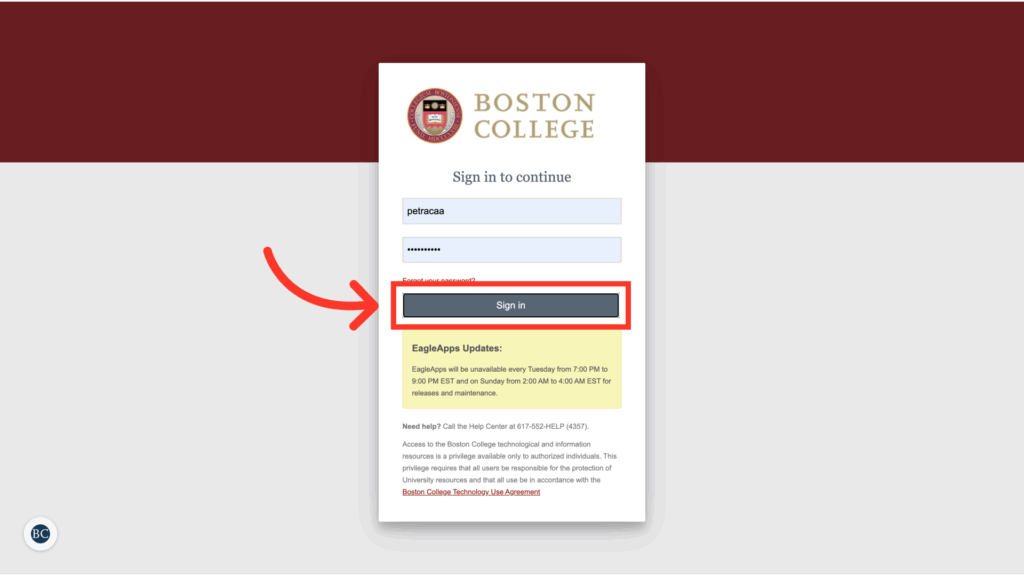
2. Click “Sign in”
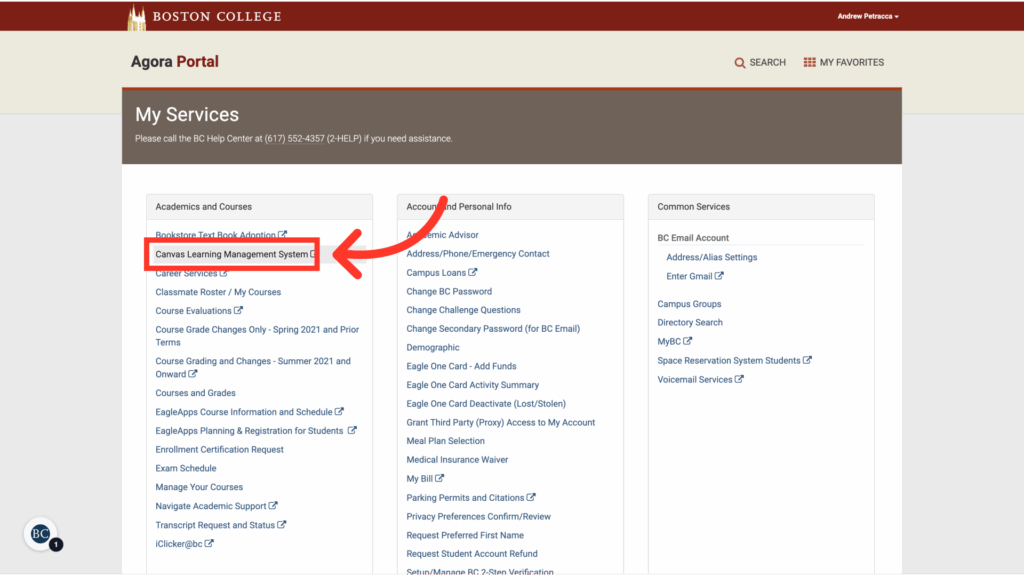
3. Click “Canvas Learning Management System,” which will be under “Academics and Courses”
4. Your Canvas dashboard will now be open
If you don’t see the course for which you’re searching, see our guide on how to select which courses appear on your Canvas dashboard.